

In this guide, we will walk you through the steps to how to create an account adsterra and earn money
1 Click this Box ↡↡↡

OR Click On this ↓⇩⇩

2. Switch to "beta.publishers.adsterra.com"
↡↡↡
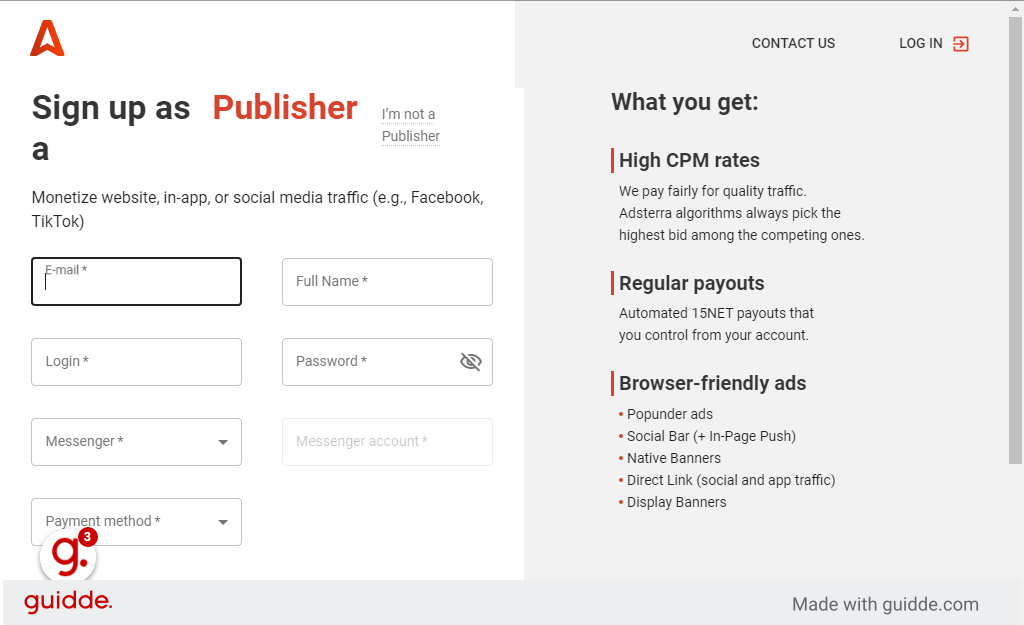
↡↡↡
3. Fill Your E-mail Address
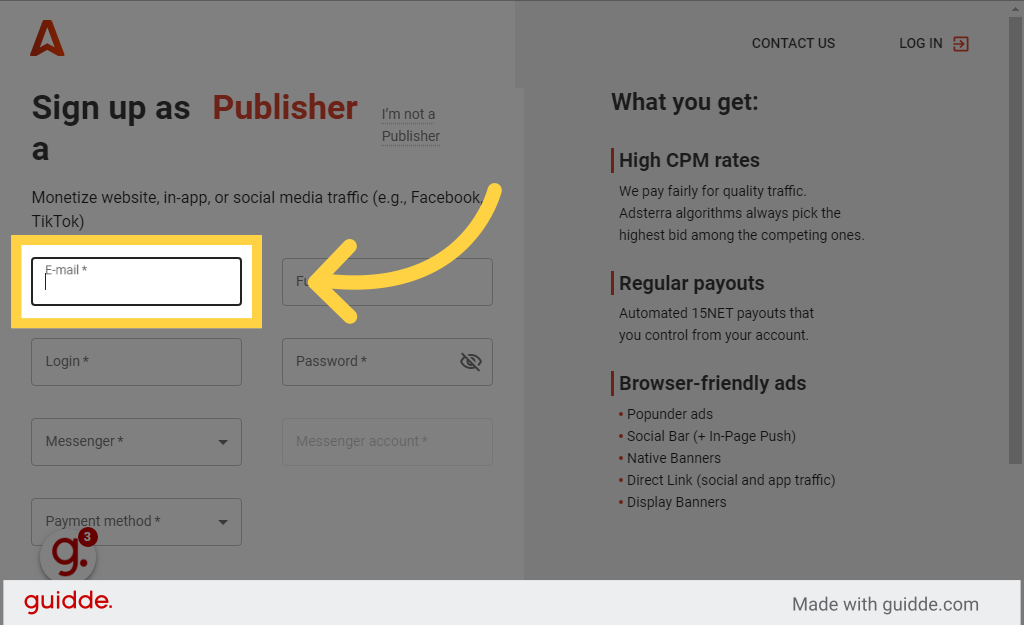
Same Like This haney154@gmail.com
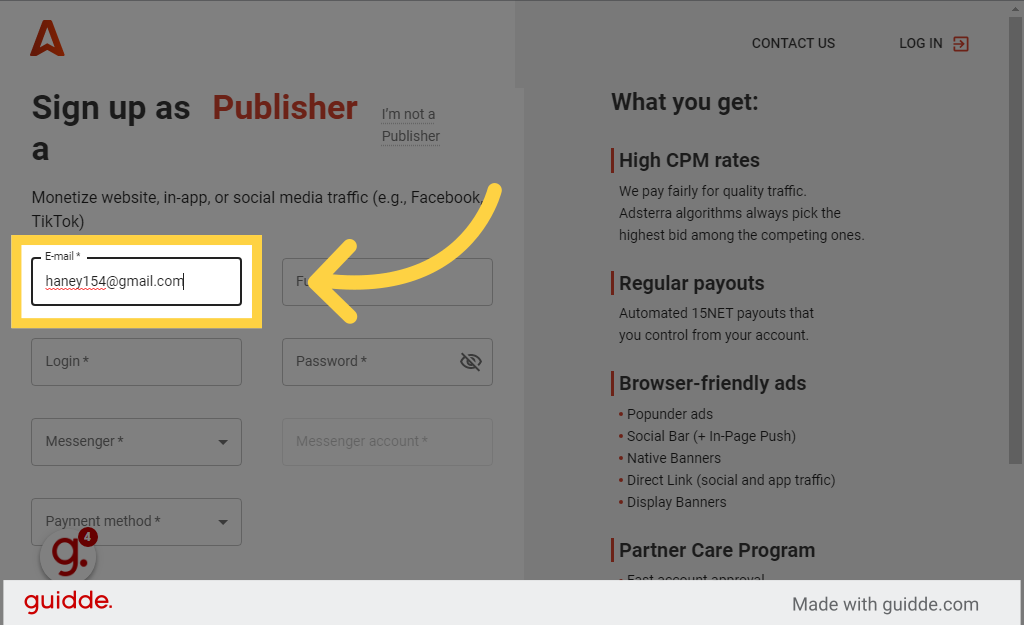
4. Enter Your Full Name in the provided field
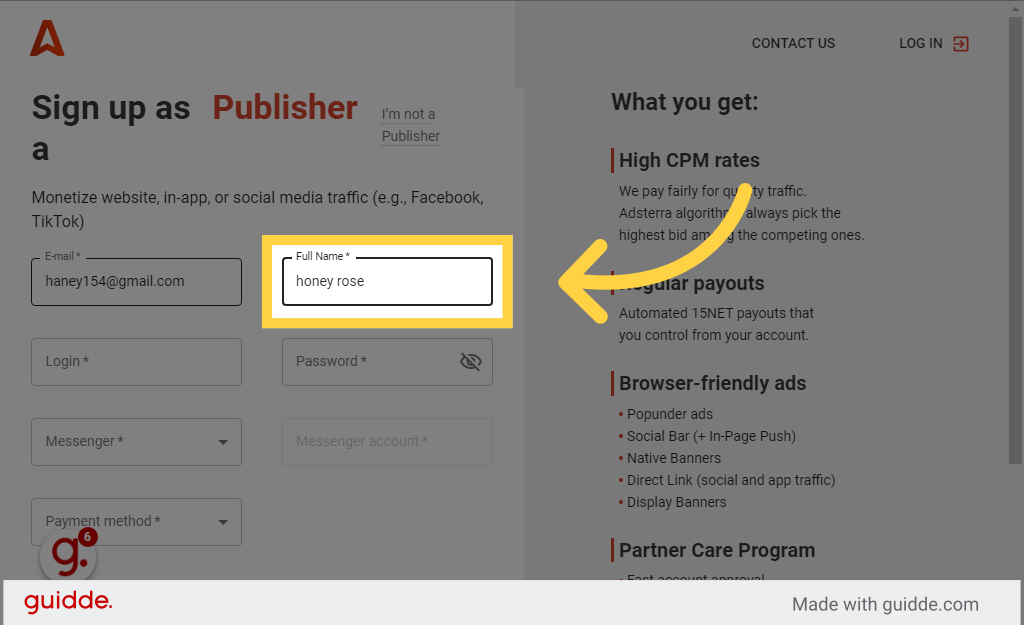
5. Fill in the text box For Login Name"
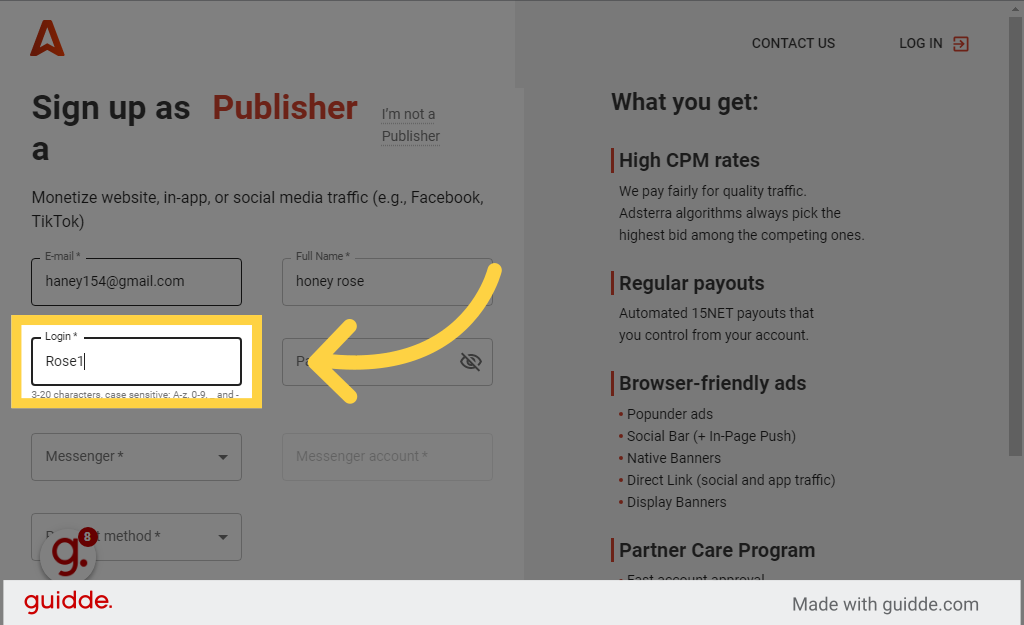
6. Fill Strong password. Frist Upper case Word AND others lower case and Symbol Like this
Stong.@password123
![Fill '[password]'](https://static.guidde.com/v0/qg%2FhmKkRVYUDMhCingg6CGsnNIwLxj2%2FoJMgF92oYaJaoAwePeRc8S%2FvR652x1k2osHYGbgxKWdCT_doc.png?alt=media&token=a798aa7f-e3cb-4fe8-a6b4-a067d3ddb25a)
7. Click Messenger Option
Choose the Messenger option
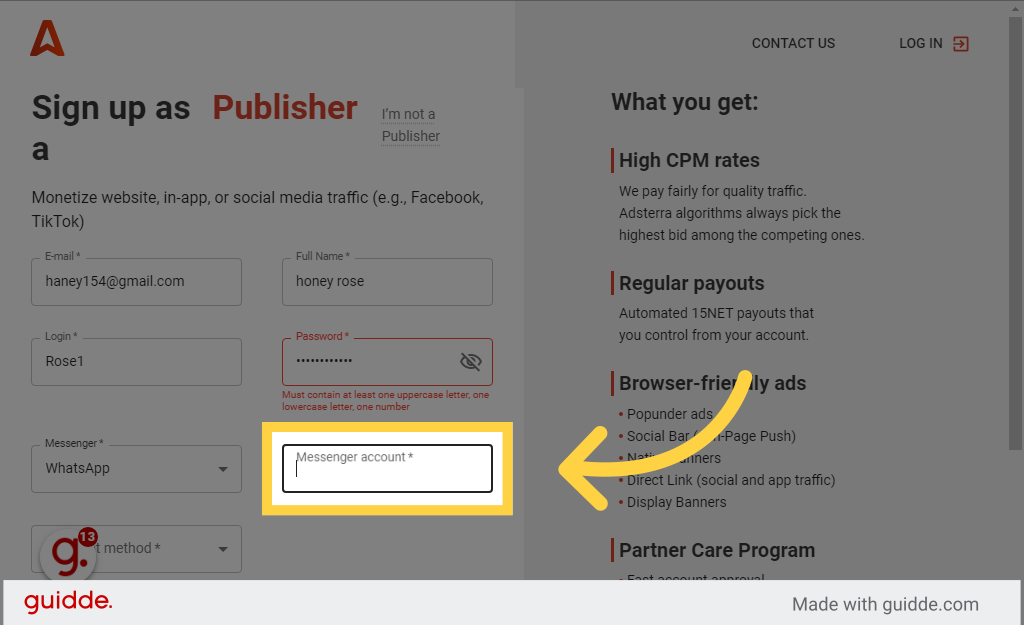
Choose the Messenger option
Select the WhatsApp option
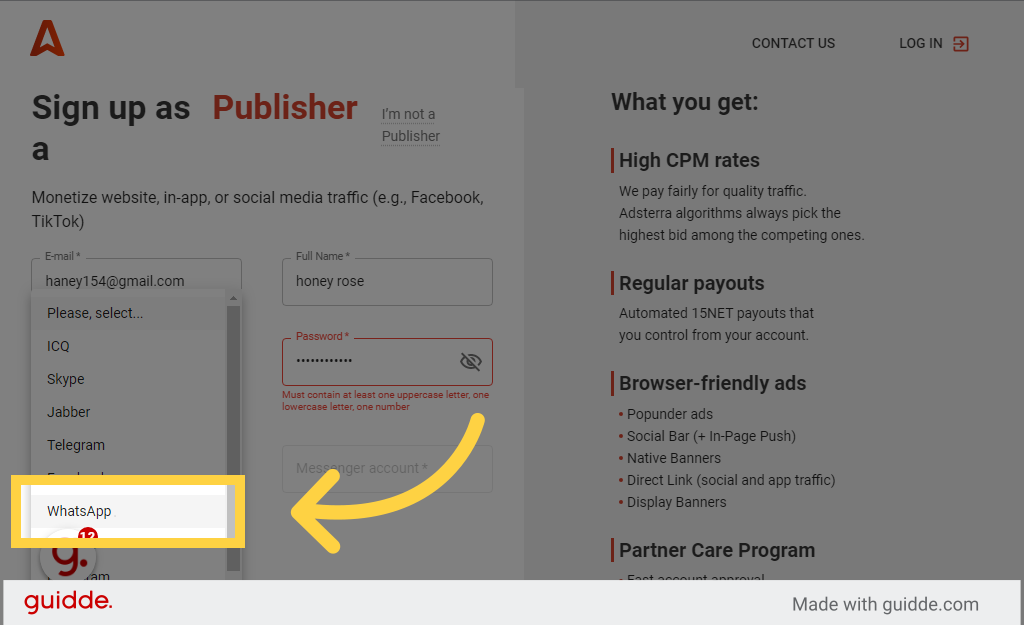
Type Your mobile Number With Your Country Code"+91 *****" in the given field

8. Click Payment method"
Click on the field
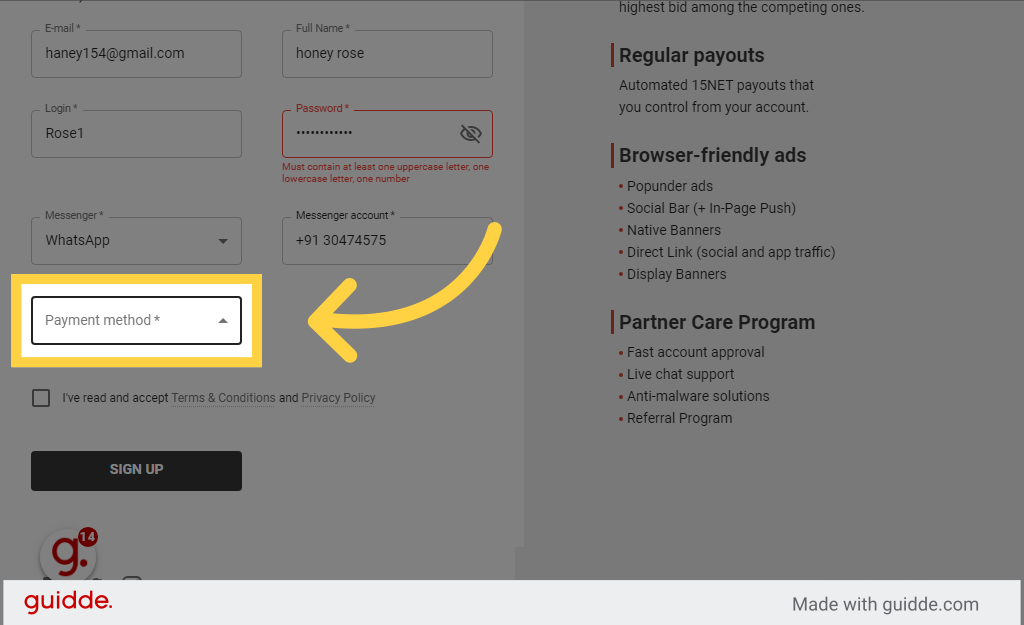
Click on the field
Select the option to Webmoney OR which is sweet able in your Country
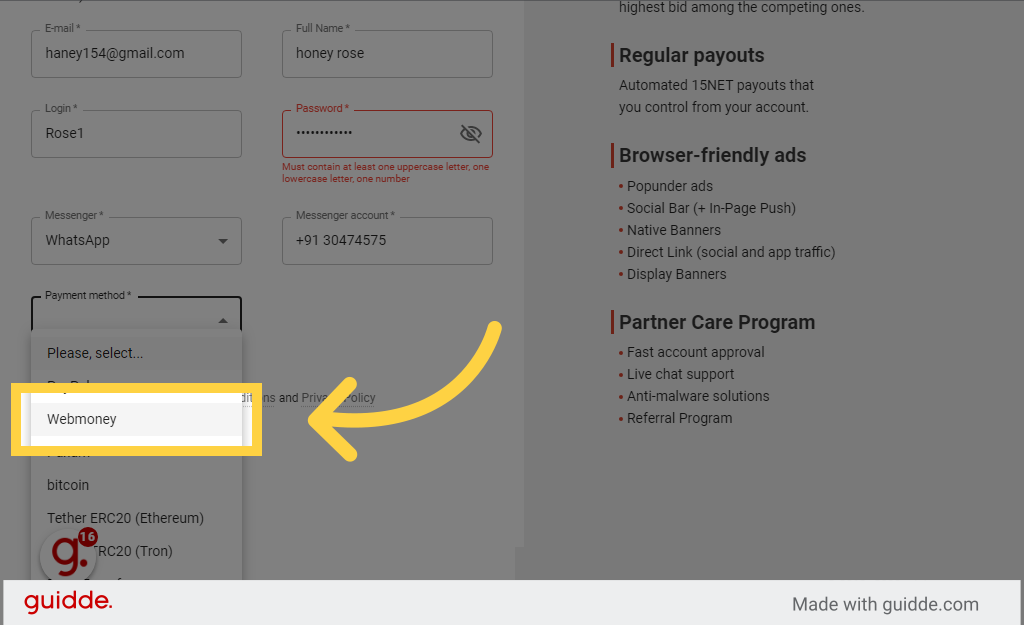
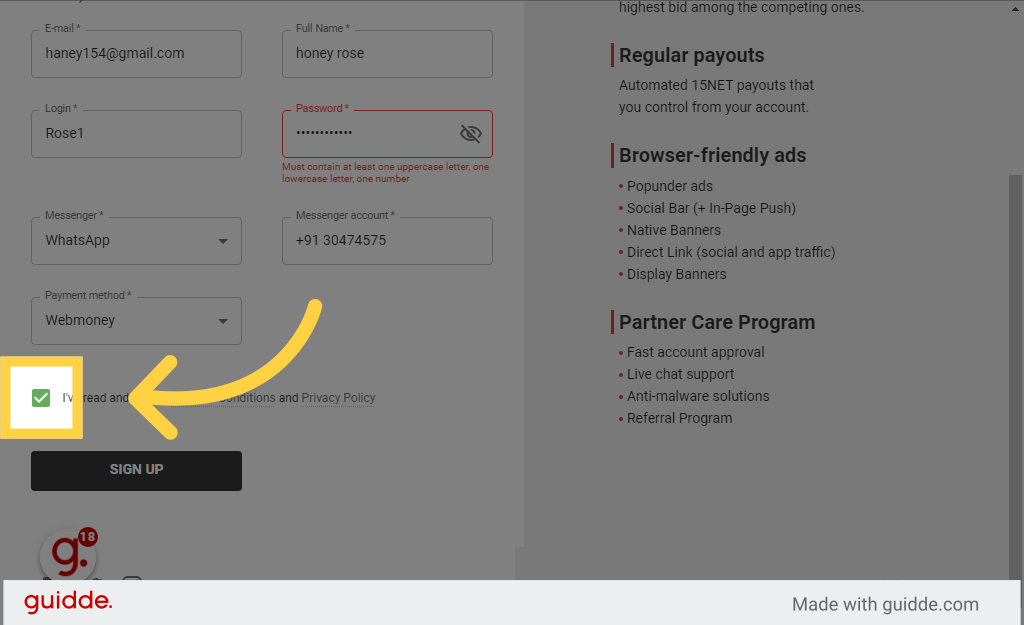
9. Select Input "true" in the available field
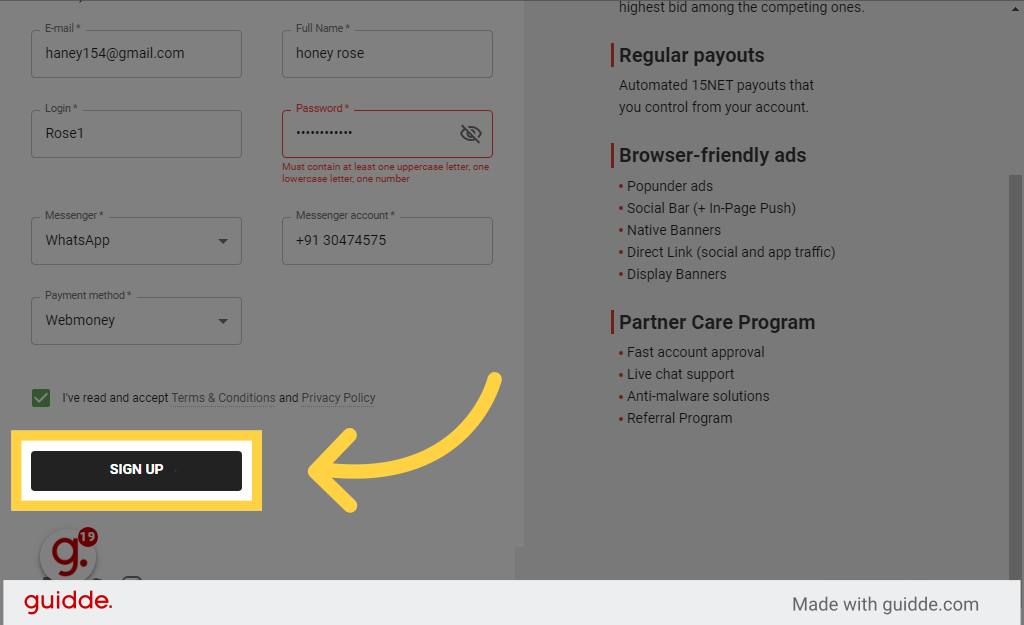
10. Click Sign up
11. Switch to Your Gmail Account
Click on Confirm email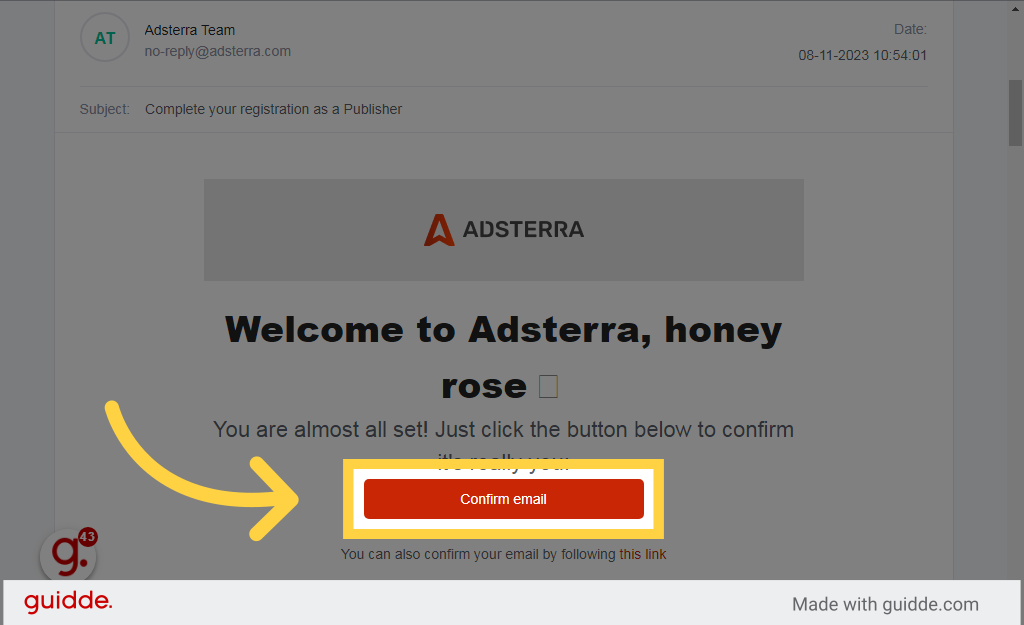
12. Switch to "beta.publishers.adsterra.com"
Page Open Like This
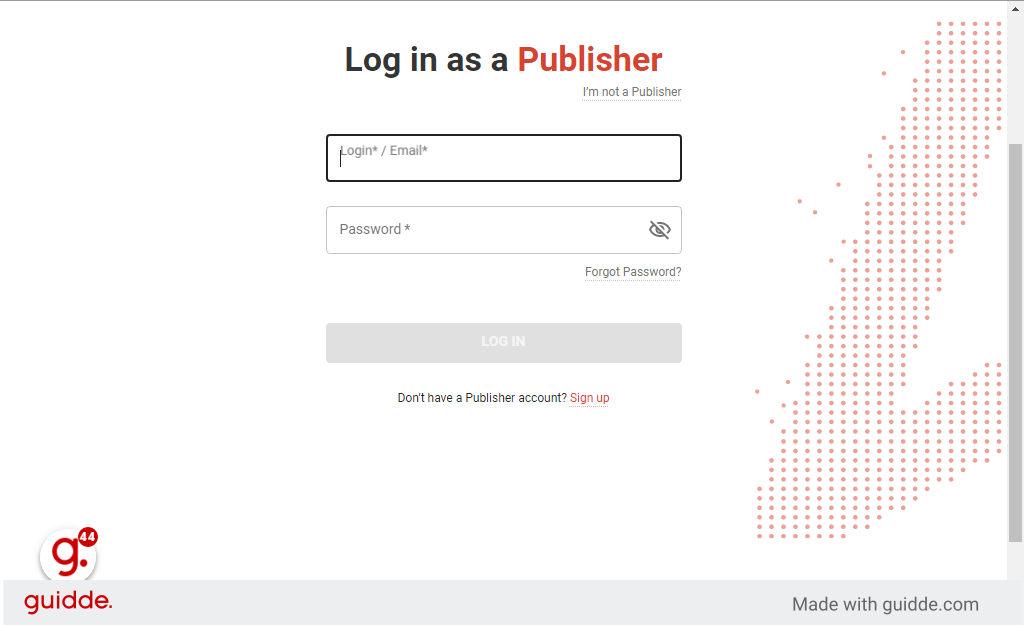
Page Open Like This
Fill your Login Name Or Email address
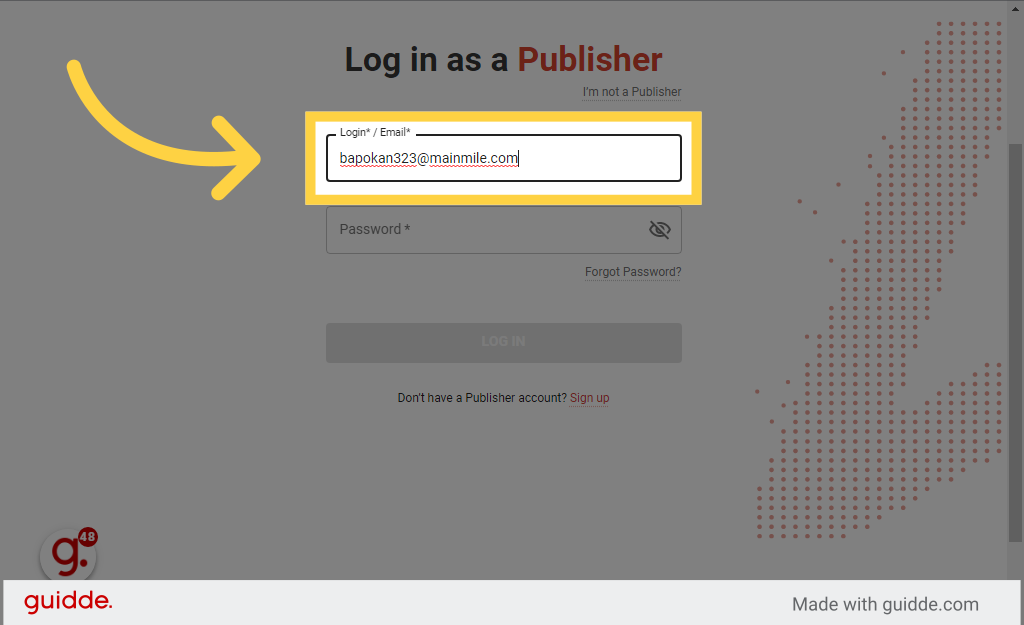
13. Fill password
Enter password in the provided field
![Fill '[password]'](https://static.guidde.com/v0/qg%2FhmKkRVYUDMhCingg6CGsnNIwLxj2%2FoJMgF92oYaJaoAwePeRc8S%2FdtfWmiSYw1w2kwfkBeYnNR_doc.png?alt=media&token=1872ffac-2af1-41c5-a0c6-f3b7e9cbcaf1)
Enter password in the provided field
14. Click Log in
Choose the Log in option

Choose the Log in option
15. Click Add website If You Have Your own website
Click on the Add website field
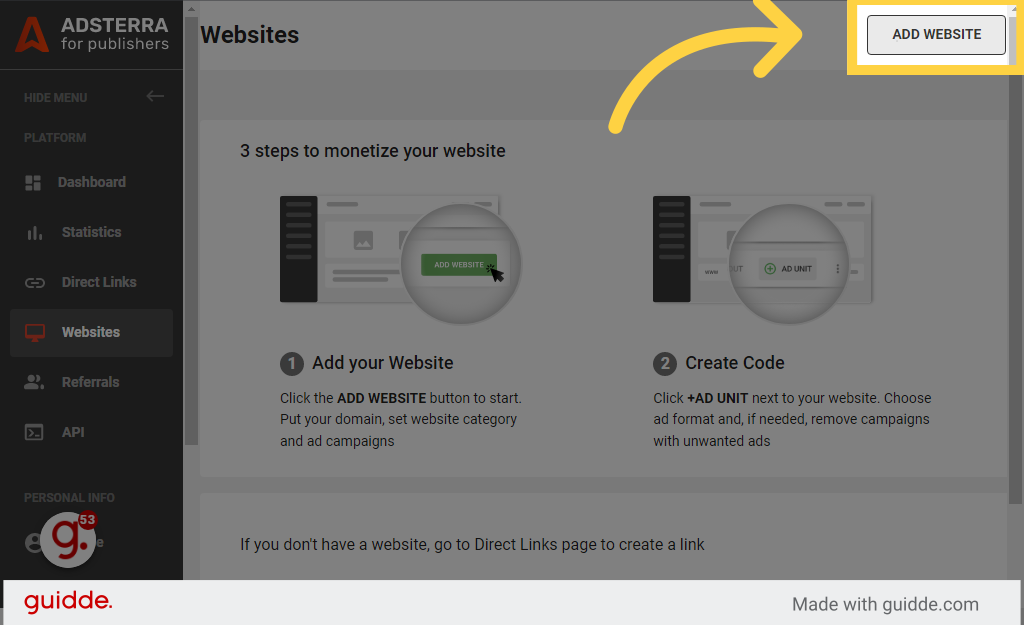
Click on the Add website field
"Example: https://earlyearnn.blogspot.com
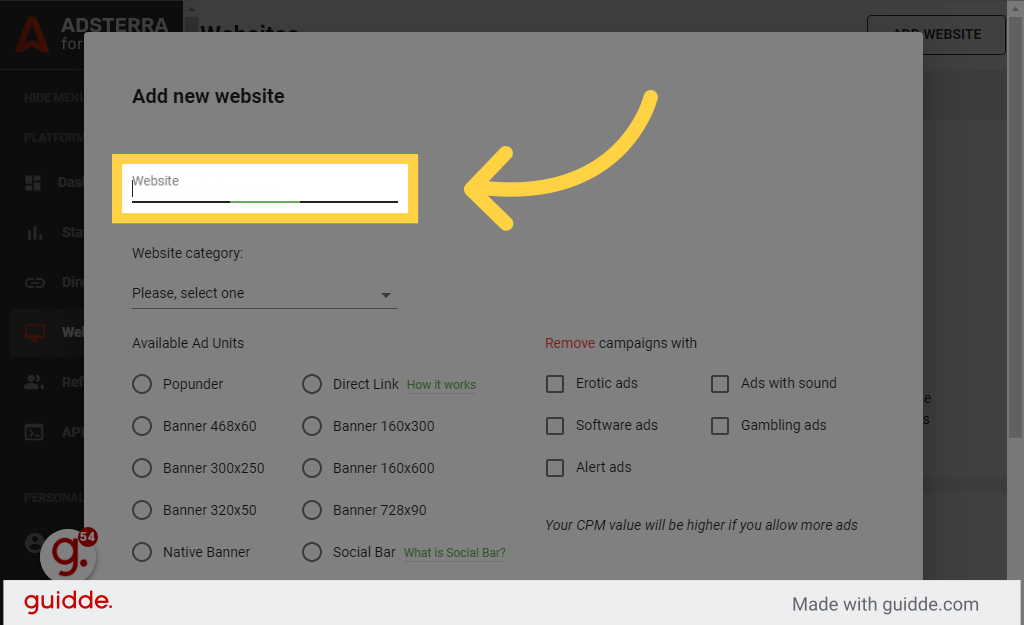
Fill in the text box with "https://earlyearnn.blogspot.com/2023/11/adsterra.html"
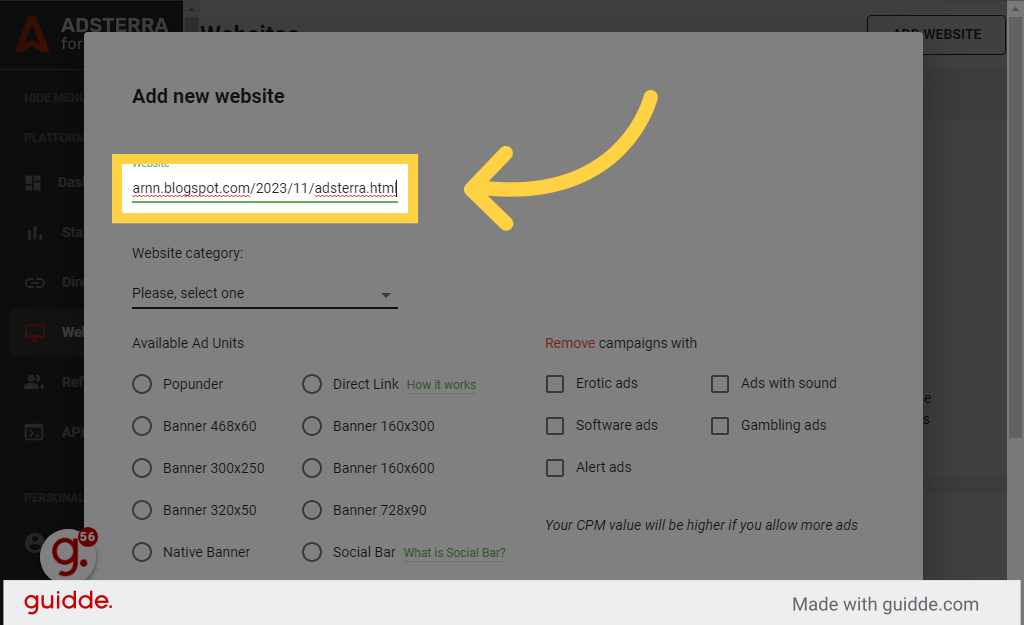
"Please, select one"
Click the selected location
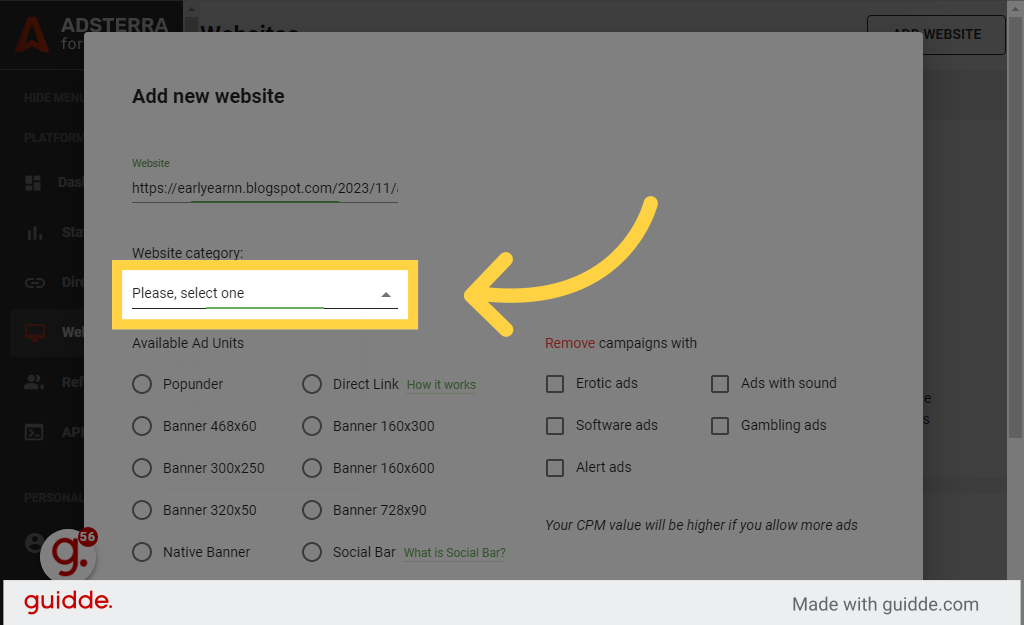
Click the selected location
16. Click Social
Click on Social
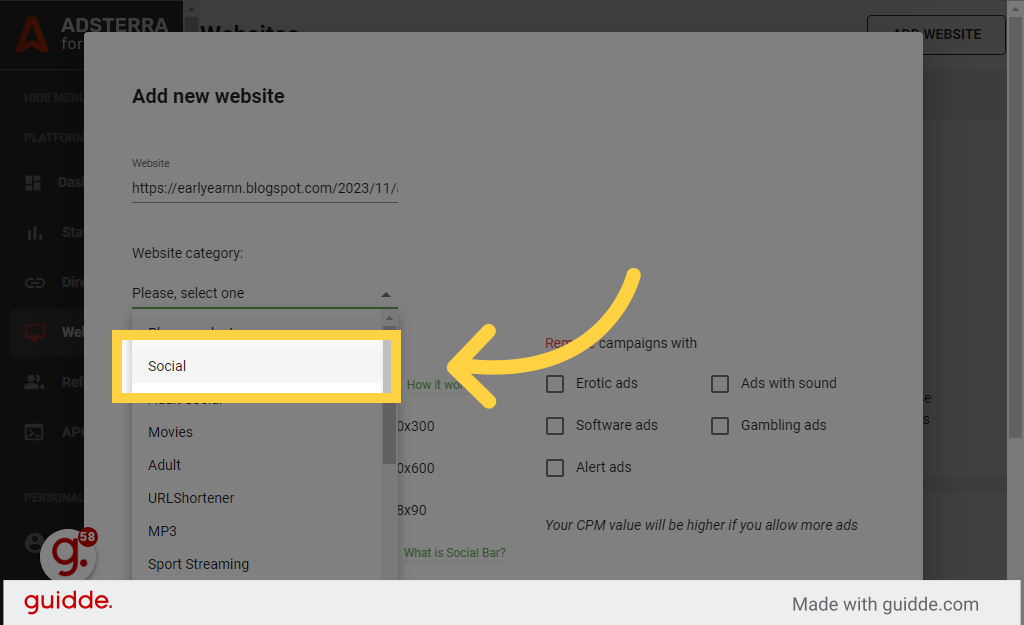
Click on Social
Click On
Navigate to Direct Link
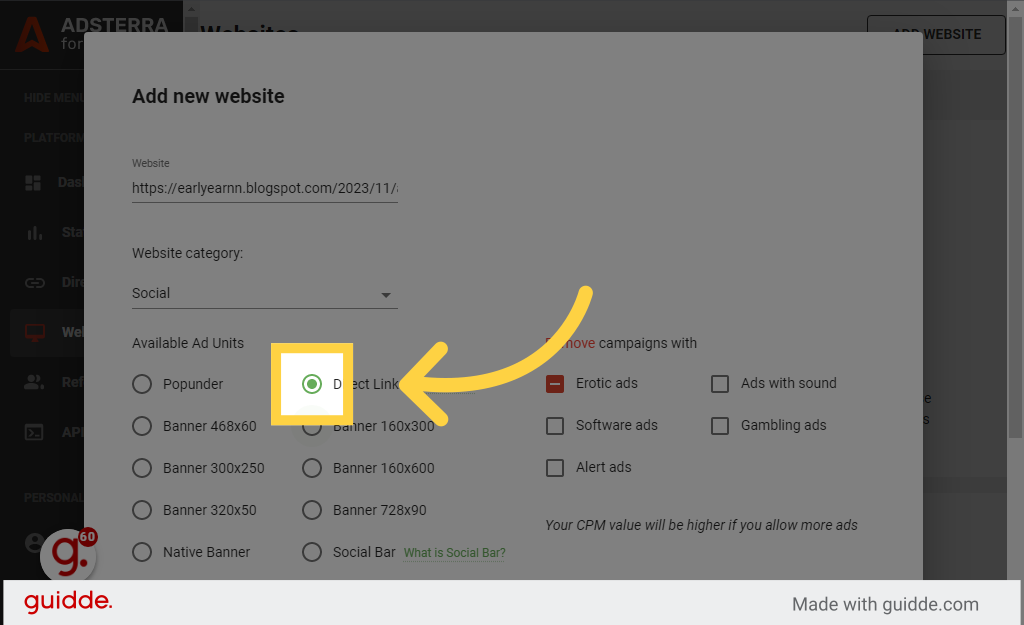
Navigate to Direct Link
Then Click On ADD Option
Enter the desired text
Enter the desired text
17. IF You have not any website THen Click "Direct Links"
Choose the Direct Links option

Choose the Direct Links option
18. Click Create direct link
Select the option to Create direct link
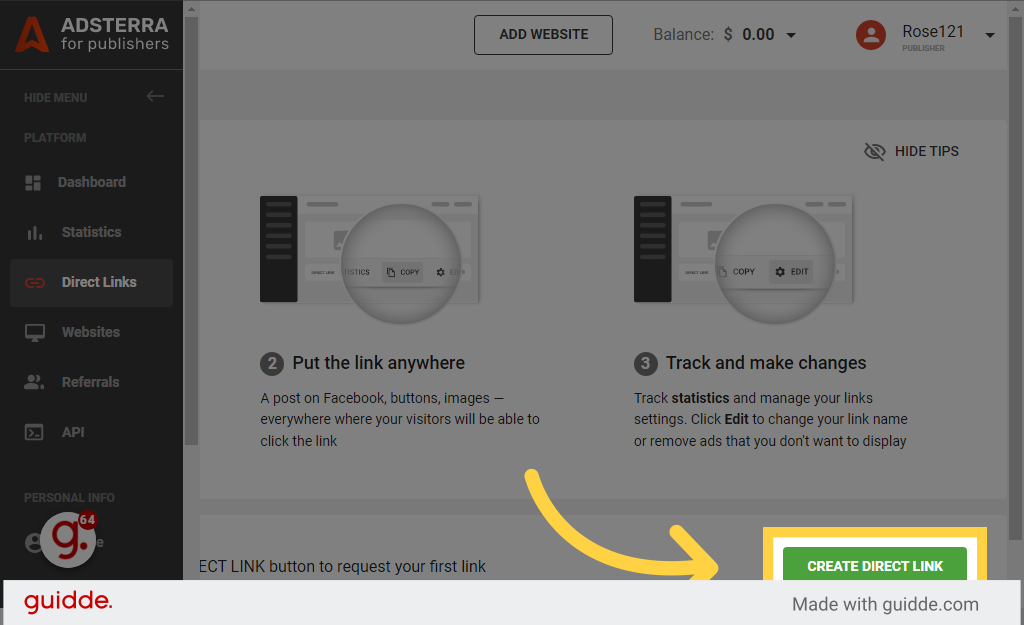
Select the option to Create direct link
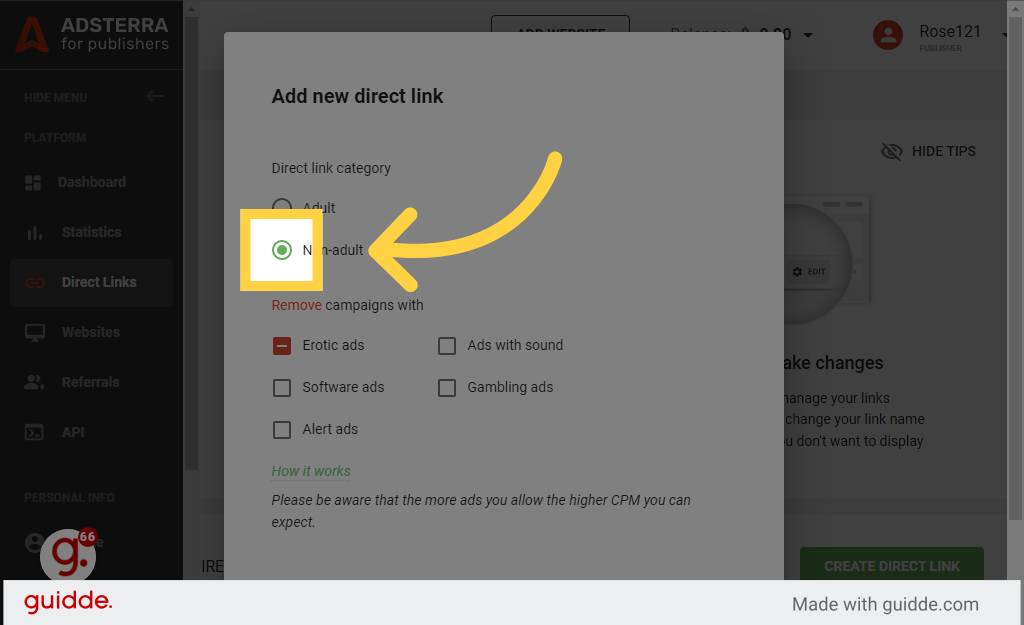
19. Click Non Adult
in the given field
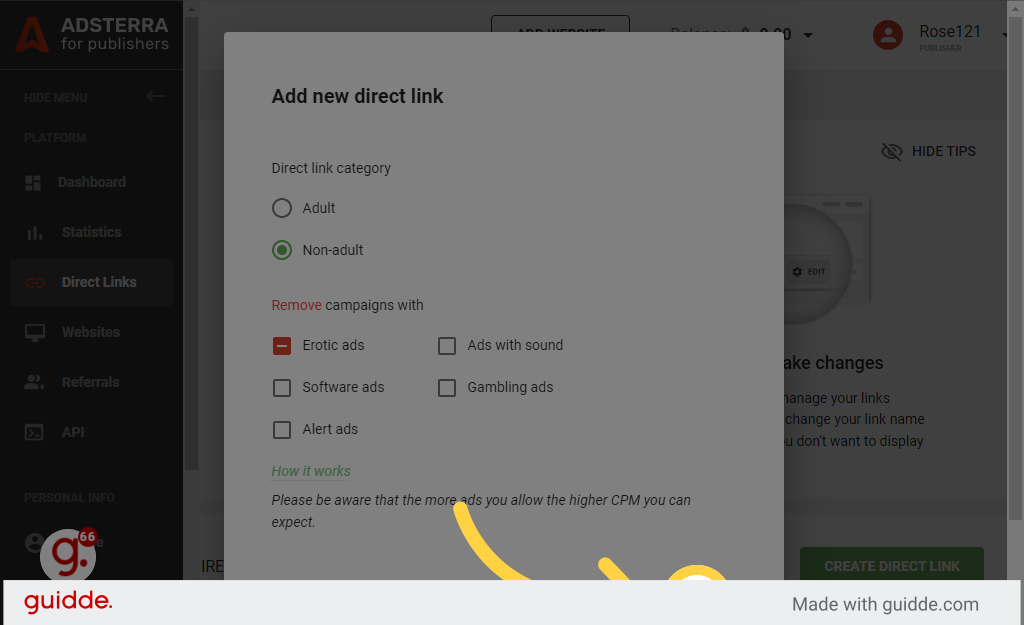
20. Click Add
Click the selected location
21. Click Got it
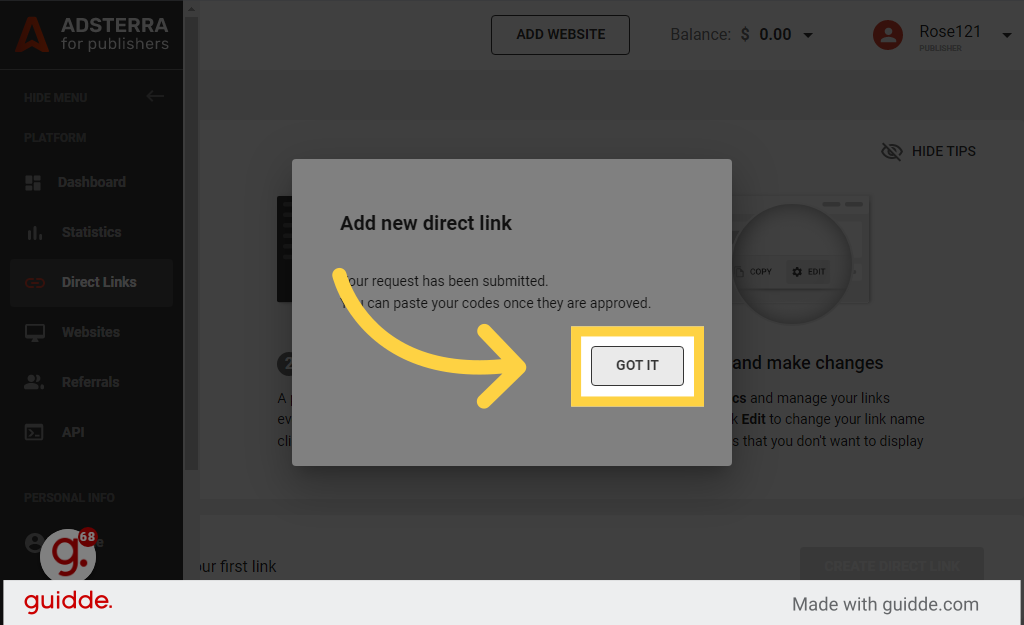
Then It showing Pending option After In Two Mint It SHOwing ACtive Option
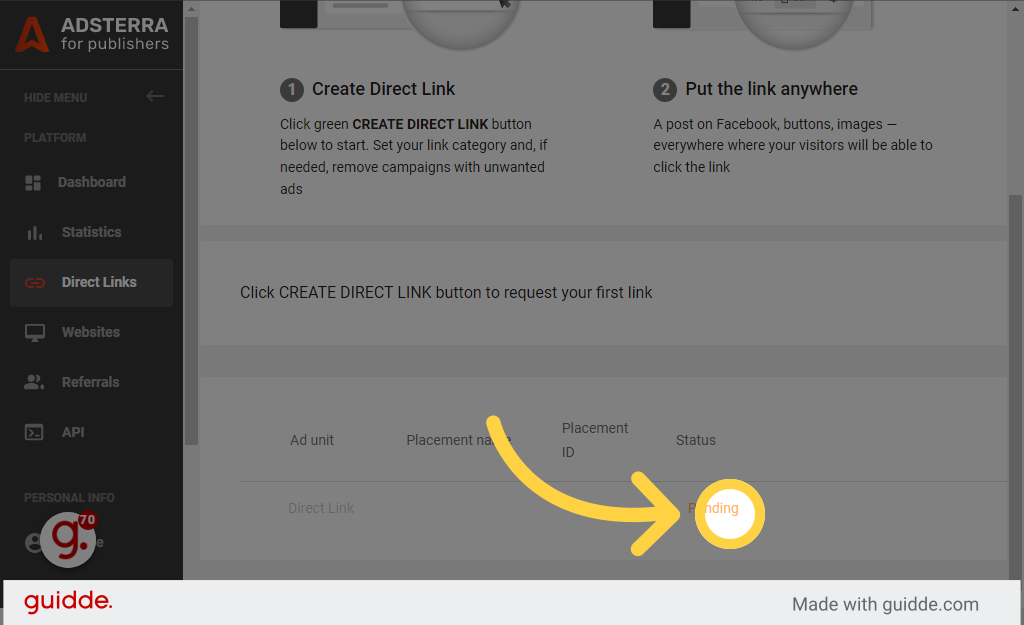
22.Then Click Copy Option 
Copy the entire Code and Send this code To your Friends , Family and any person where you can send it any Body Any person When Just click your Linked Code Money Generating in your adsterra account/ Start making money
NoTE : You can't click on your code means links by yourself, if you click by yourself, your Adstra account will be blocked! And if you want to submit your link in our platform GetCLicks, then contact us and if you have any questions, you can ask.
The code will look like this
↡↡↡
